 |
| How To Activate Mtn Free Data 2020 – Get Free MTN 10GB Data |
A great day to celebrate as MTN NG has finally increased their free data 4g sim upgrade to a whooping 10GB for free for everyone who upgrades their old MTN 3G sims to 4G. In no other words, you get free data offer worth 10GB by simply upgrading to MTN 4g sim card.
You don’t need to pay a dime in other to make this great move as upgrade to MTN 4G is free and on successful upgrade, you get whooping MTN free data of 10GB for upgrading to MTN 4g sim.
This promises to be the best upgrade offer for years and no one definitely will ever want to miss this MTN Free 4G upgrade data worth 10gb. The major purpose of this upgrade offer is to increase the number of their 4g customers in the network! We all know 5g is around the corner and many android users still tend to be on 3g which most times isn’t worth the stress of streaming videos, downloading etc as the network speed isn’t as good compared to that of the upgraded MTN 4g.
All you have to do is simply locate the nearest MTN outlets in your area and make a quick upgrade of your old MTN 3g sim to MTN 4G sim and get rewarded with MTN free data worth 10gb for just upgrading your MTN sim.
Now it is time to get an upgrade to MTN 4G and get hold of this free MTN data worth 10gb. Hoping in the nearest future we shall get double offer in upgrading to MTN 5G as it promises to be a bomb.
This is not a cheat or a scam as it was officially made to the public via Official MTNNG Twitter handle two days ago!
@MTNNG tweet:
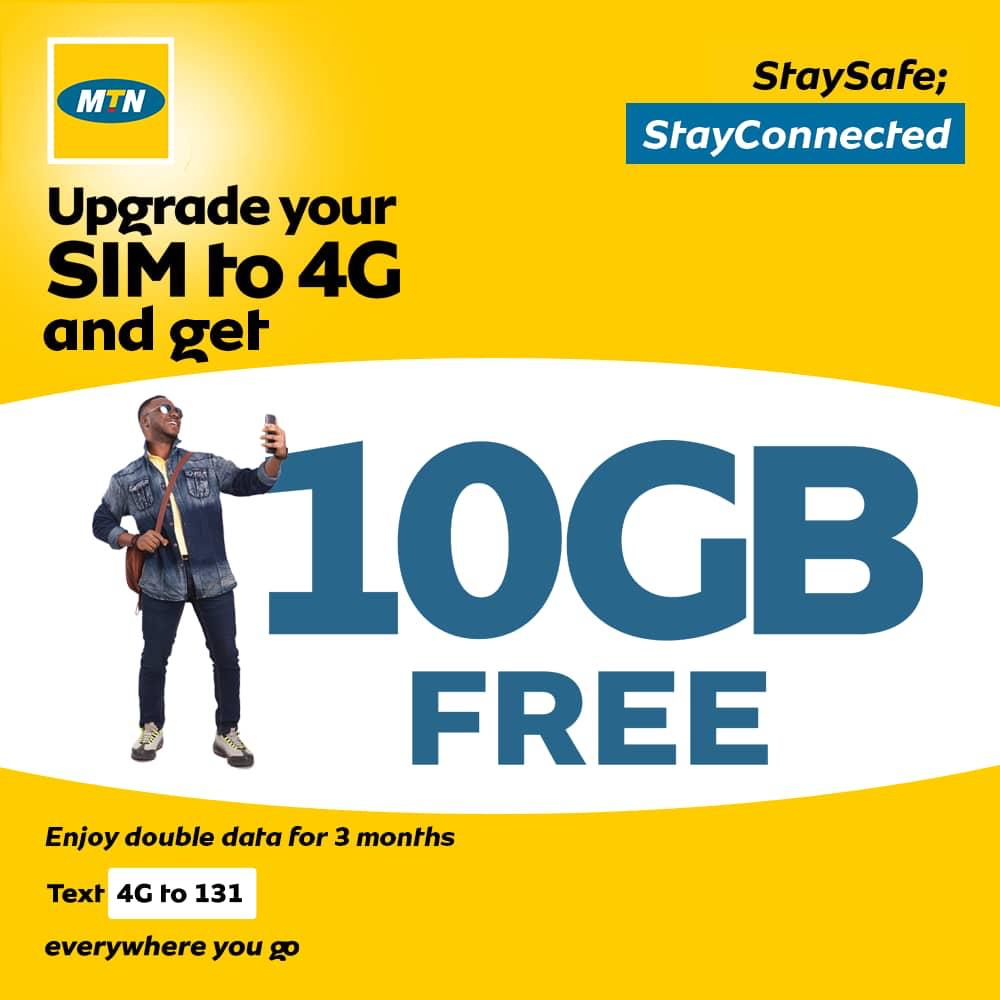
Enjoy 10GB Free when you upgrade your sim to 4G, You also get to enjoy 100% data bonus for 3Months!!! Why wait? Text 4G to 131 to get started #StaySafe #StayConnected pic.twitter.com/RuymAiyrQU— MTN Nigeria (@MTNNG) May 11, 2020
This MTN free data offer after you might have upgraded your old MTN 3G sim to 4G is definitely 101% legit and offer is available to all MTN Nigeria customers in the network.
From their tweet, every upgrade to MTN 4G gives the customer a 100% data bonus offer for the next 3month. A great offer indeed from MTN Nigeria!
Without wasting much of the time, the number one priority of this article is to let you know that on every MTN 3G upgrade to 4G, you get MTN free data worth 10GB (10000MB).
How To Upgrade Old MTN Sim To 4G And Get MTN Free 10GB Data
Free MTN 10GB
In other to get an upgrade of your old mtn sim card, all you have to do is to follow the steps as stated below!
- MTN sim and Pack (If you have)
- Do ensure to go along with any valid Identity card (Voters Card, National ID , Drivers license or School ID)
- Visit the nearest MTN outlet shop close to your home
- Just tell them you came to upgrade your old MTN 3G sim to 4G
- Now you will be attended to and wait patiently for about 10-30mins and your sim will be registered and upgraded.
Don’t worry about the free mtn 4G upgrade 10gb data, you will be directed on what to do thereafter.
When the new upgrade will be available and also when to switch over to the new sim on your device.
How To Locate Nearest MTN Office In My Location
Just if you are in a new location and you wish to know the nearest MTN office close to you for the MTN 4G upgrade to enable you get rewarded with the MTN free data, all you have to do is simple.
- Simply Dial USSD code *123*1*7# to confirm the nearest MTN office in your present location for MTN 4G upgrade and to get MTN free 10GB data on successful upgrade.
In other for you not to come back without doing the upgrade to MTN 4G, we advise you go along with any valid ID as mentioned before now in the MTN 4g upgrade Free data requirements.
In Conclusion On MTN Free 10gb Data Offer And 100% MTN 4G Data Deal Valid For 3 Months.
- This MTN free 10GB data can only be used on a 4G enabled device and can only be activated on a 4G device. Meaning that after the upgrade and you insert the sim card into a device that doesn’t have support for 4G, the MTN free data offer will not be activated until it is inserted into a 4G enabled device.
- After you might have gotten this free MTN 4G 10gb data, do not remove the sim into a 3G device for use as it will not be possible. The MTN free 10gb data can be used only on a 4G device, Mifi or modem.
- You also enjoy MTN 100% data offer deal which is valid for 3 months on successful upgrading your old MTN 3G sim to 4G.
- This 100% data offer can be used on all 2G, 3G, 4G and 5G enabled android or iOS devices and can be tethered over to another device (desktop, laptop, Android, ios) etc
Don’t forget to subscribe to our newsletter for more exclusive update.