AI News
  • Apk apps
  • Android Tips/Tricks
  • Phone Reviews
  • How To
  • Phone Reviews
No Result
View All Result
AI News
  • Apk apps
  • Android Tips/Tricks
  • Phone Reviews
  • How To
  • Phone Reviews
No Result
View All Result
AI News
No Result
View All Result
Transfer chats

WhatsApp Now Allows More Beta Testers To Transfer Chats From Android To iOS

Best Way To Move Chat History From Android To iPhone 2022

Xavi by Xavi
July 9, 2022
in Android Tips/Tricks, WhatsApp
0
932
SHARES
3k
VIEWS
Share on whatsappShare on FacebookShare on TwitterShare on Telegram

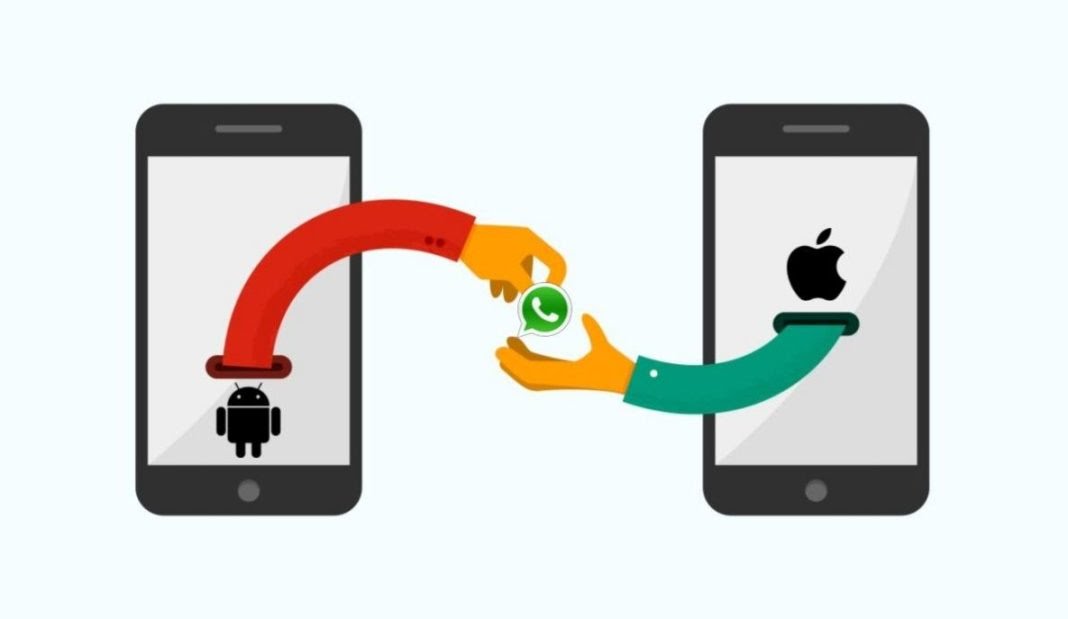
After a lengthy wait, users will be able to move chat history from Android to iPhone. CEO of Meta, Mark Zuckerberg, revealed this feature in a Facebook post.

We’ll walk you through a step-by-step process in this post on how to move chat history from an Android smartphone to an iPhone with ease.

How To Move Chat History From Android To iPhone
Move Chat History
How To Move Chat History From Android To iPhone
  • Step 1: From the Google Play Store, download and install the Move to iOS app.
  • Step 2: Open up your new (or factory reset) iPhone and begin the setup procedure.
  • Step 3: The Apps & Data configuration page will display; when it does, choose Move Data from Android.
  • Step 5: On your Android device, open the “Move to iOS” app and adhere to the on-screen directions.
  • Step 6: When you see the Move from Android screen on your iPhone, tap Continue, and then watch for a ten- or six-digit number to appear.
  • Step 7: Enter the code, choose WhatsApp from the Transfer Data screen, and then tap Start on your Android phone.
  • Step 8: Await the transfer of your WhatsApp data and history. Your Android smartphone will be signed out of WhatsApp after the procedure is complete.
  • Step 9: Download WhatsApp from the App Store and log in with the same phone number after your iPhone has fully set up.

The “Move to iOS” software from Apple is already available for Android smartphones, and this transfer procedure only works on new or factory reset iPhones. It also only works with iPhones running iOS 15.5 or later and devices running Android 5.0 or later.

Or you can move chat history by;

  • Step 1: On your PC, download and install MobileTrans.
  • Step 2: Your old Samsung device and your iPhone should both be connected to the computer via a USB cable.
  • Step 3: To start the WhatsApp transfer, click the “Start” button. If you have been using WhatsApp on your iPhone, you may decide whether or not to store the current data.
  • Step 4: Both connected devices will be automatically identified by the application, which will then designate them as either sources or destinations. Click “Flip” If their positioning is wrong.
  • Step 5: Now all you have to do is wait a short while for the procedure to finish. And wait till the procedure is finished before disconnecting your phones.
  • Step 6: Install and run MobileTrans on your Windows or Mac computer, and then select “WhatsApp Transfer” from the menu that appears.
Move Chat History
How To Move Chat History From Android To iPhone

The freshly transferred data will now be instantly detected by WhatsApp when you activate it on your iPhone, allowing you to restore it to your iOS device.

MobileTrans is a complete solution for managing and moving your WhatsApp data to a new smartphone. It’s fantastic since it makes it simple to transfer files without any loss from Android to iOS.

You may also run rapid backups to ensure that you are prepared for any inevitable losses. As earlier mentioned, the app supports Business, GBWhatsApp, as well as additional chat platforms including Viber, Line, and WeChat.

Join Our Telegram Channel For More Exciting Updates Via The Link Below ⤵️

Telegram Channel

Tags: AndroidChat HistoryfacebookiphoneMeta
SendShare373Tweet233Share
Xavi

Xavi

I am Pepple Xavier also known as Blaze, a Droidvilla content creator, A 400 level student in the University of Port Harcourt, studying Mechatronics Engineering. Found passion in technology ⚙ and decided to keep the world in touch with latest happenings around the world of technology. Visit us for daily tips and tricks, How To's and lots more www.droidvilla.com have to offer

Related Stories

WhatsApp 60sec Video Status Length Upload

WhatsApp 60sec Video Status Length Upload

by Droidvilla Admin
April 26, 2024
0

WhatsApp 60sec Video Status Length Upload : A Game-Changer for Users! WhatsApp, known for its user-centric approach and frequent updates, has done it again! With the latest update,...

cheat db ppsspp

How to use cheats on ppsspp: Download cheat db PPSSPP Android Games Cheat file

by Droidvilla Admin
December 24, 2023
1

How to use cheats on ppsspp: Download cheat db PPSSPP Android Games Cheat file Good news to all ppsspp (iso) Android game fans. Droidvilla Technology Solution will show...

fast GLO APN settings

Latest fast GLO APN settings for android and iPhone

by Droidvilla Admin
March 18, 2023
15

Enjoy fast glo apn settings configuration for 3g and 4g browsing/Download speed. We have heard so many complaints about GLO and its snail browsing connection and download speed,...

WhatsApp media upload quality to best quality

How to change official WhatsApp media upload quality to best quality

by Droidvilla Admin
April 7, 2023
0

Newly released update lets a user to change WhatsApp media upload quality to best quality and Battery saver quality. If you have been complaining of WhatsApp reducing your...

Next Post
Move Chat History

Amazing : WhatsApp Now Allows More Beta Testers To Transfer Chats From Android To iOS 2022

Leave a Reply Cancel reply

Your email address will not be published. Required fields are marked *

  • About
  • Advertise
  • Privacy & Policy
  • Contact Us
  • Disclaimer

© 2026 JNews - Premium WordPress news & magazine theme by Jegtheme.

Welcome Back!

Login to your account below

Forgotten Password?

Retrieve your password

Please enter your username or email address to reset your password.

Log In
No Result
View All Result
  • Apk apps
  • Android Tips/Tricks
  • Phone Reviews
  • How To
  • Phone Reviews

© 2026 JNews - Premium WordPress news & magazine theme by Jegtheme.