
Looking for ways to unblock a blocked whatsapp contact?
There is definitely a time we just have to block someone on whatsapp, so many reasons to, and we forget keeping a contact blocked from messaging us, voice calling or video calling.
 |
| How to unblock a blocked whatsapp contact |
It is quite easy to get any contact blocked directly from chat screen or through contact list, but to unblock a blocked contact becomes the problem, since you obviously might find it difficult to locate the whatsapp unblock section.
Sometimes you wonder if it is possible to get a blocked contact on whatsapp unblocked or not. However, today we shall be showing you how to locate and unblock a blocked whatsapp contact.
How about you get to know how to unblock yourself on whatsapp if someone blocks you? Read More…….
How to block a whatsapp contact
 |
| How to block a whatsapp contact |
To block a whatsapp contact, simply follow steps below
- Open whatsapp
- Locate contact and open
- Now tap on the three dotted icons at the top right side of the screen
- Tap on MORE
- Now tap on the BLOCK text
- Finally select BLOCK, and you have successfully blocked the contact.
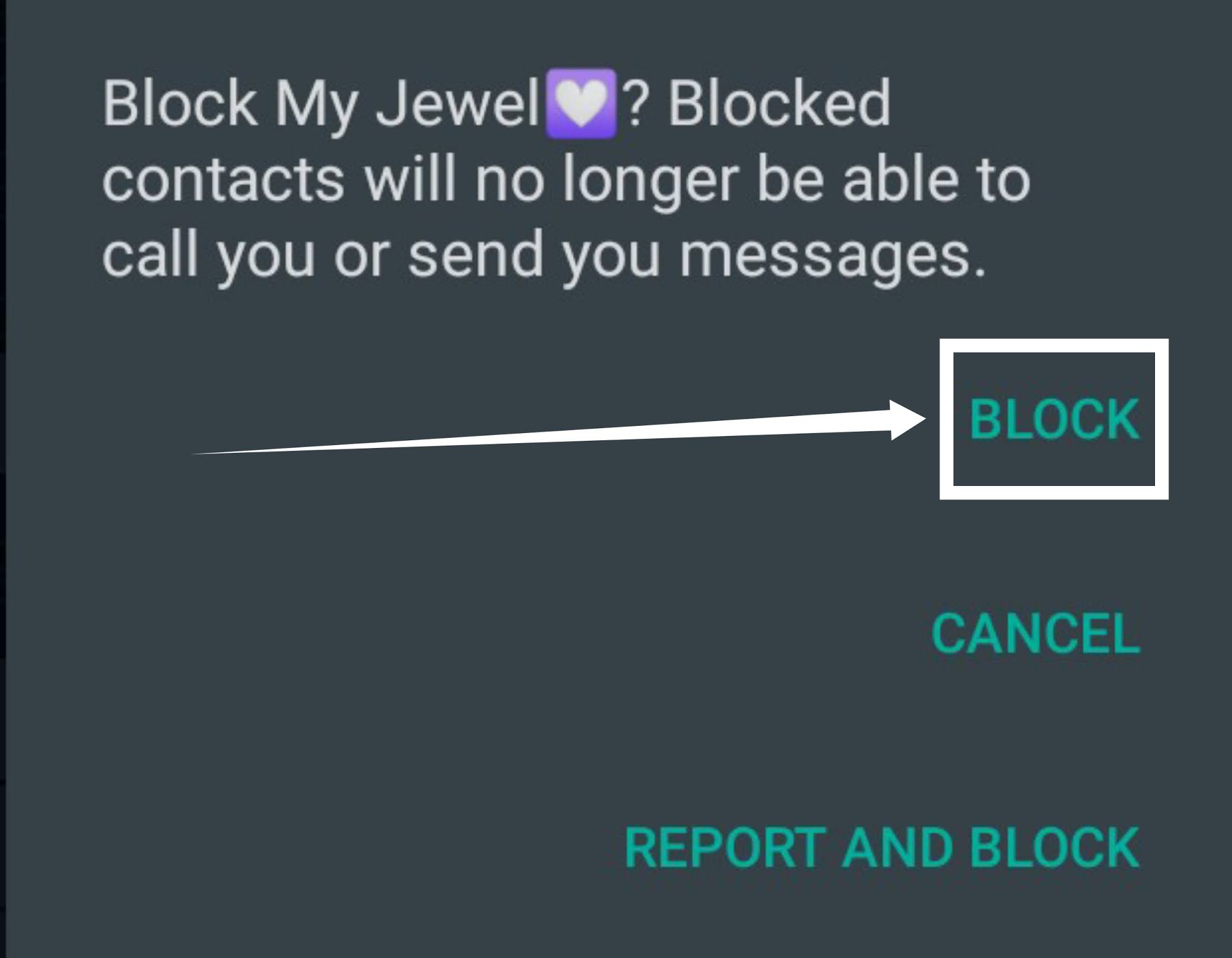
How to block a whatsapp contact

Let’s get started with how you could unblock a whatsapp contact if you later wish to let the contact free…
How to view lists of all blocked whatsapp contacts
To view all blocked contacts on whatsapp simply follow steps below.
- Open whatsapp
- Tap on the three dotted icons at the top right side of the screen
- Tap on SETTINGS
- Tap on ACCOUNT
- Tap on PRIVACY
- Scroll to Blocked Contacts and you should see a list of all blocked contacts.
Two easy steps to unblock a blocked whatsapp contact
Follow steps below to unblock a blocked whatsapp contact…
First step on how to unblock a blocked whatsapp contact
- Open WHATSAPP
- Locate contact and open chat
- Now tap on the three dotted icons at the top right side of the screen
- Tap on MORE
- Now tap on the UNBLOCK text
- Congratulations, you have successfully unblocked the contact.
Second step on how to unblock a blocked whatsapp contact
- Open whatsapp
- Tap on the three dotted icons at the top right side of the screen
- Tap on settings
- Tap on account
- Tap on privacy
- Scroll to Blocked Contacts and you should see a list of all blocked contacts.
- Now tap on any contact you wish to unblock and tap on the unblock pop-up
That is all for now, if you find this article interesting, do follow us on all our social platforms below…