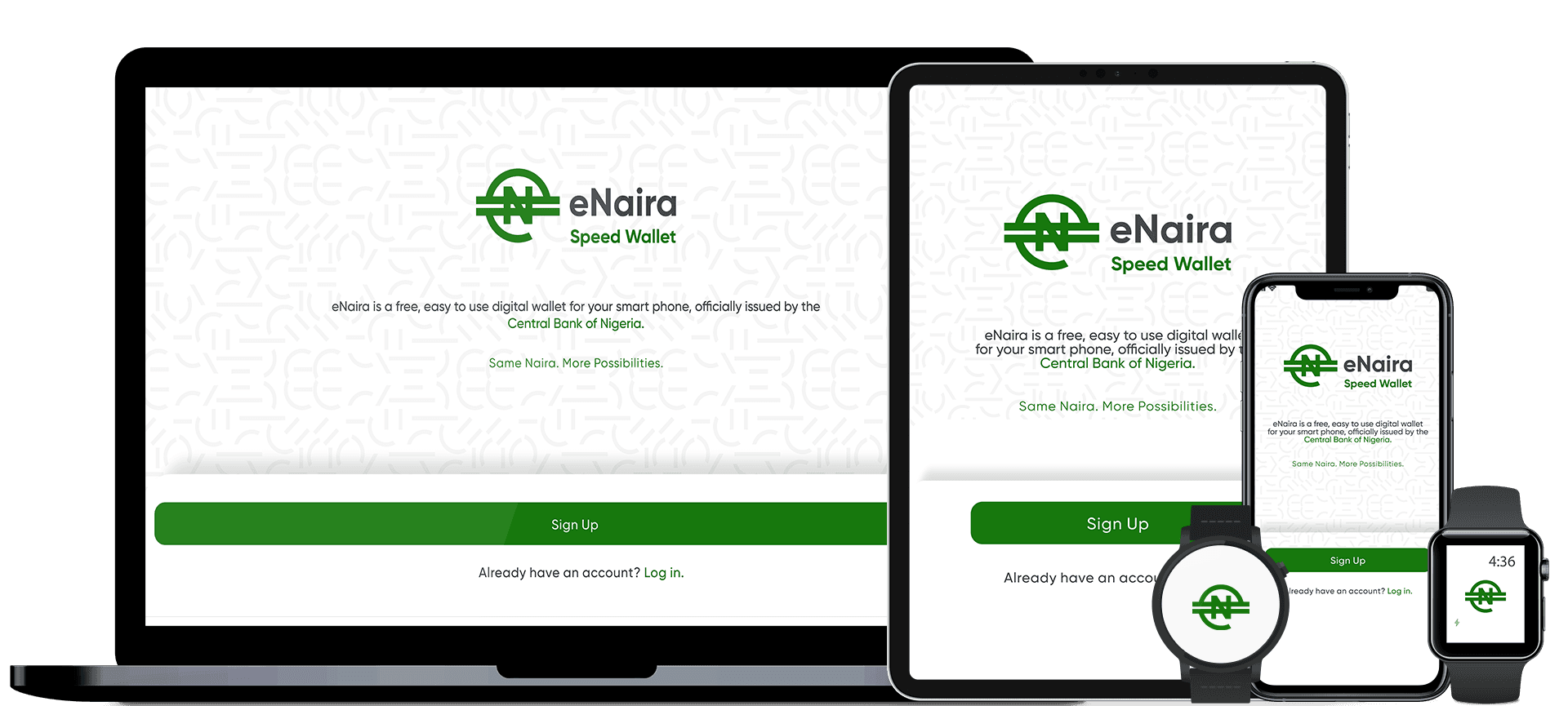
– Digital Currency: How to Get the Nigeria eNaira, eWallet and App
– 1st October 2021, eNaira officially launched and available for Nigerians
The Nigeria Digital Currency – eNaira officially launched on 1st October, 2021. This is indeed an exciting news isn’t it?
However, a lot of people are trying to imagine what the e-Naira is all about or even what it is used for.
As a tech blog, Droidvilla info feels the need to educate its users and as many people who may be interested to know about the digital currency and its proposed uses, including how to make good use of it.
About Nigeria Digital Currency – eNaira
eNaira is the official digital currency of the Federal Government of Nigeria issued by the apex bank, the Central Bank of Nigeria (CBN).
It is to be used side by side with the fiat (call it, the normal bank note) and is expected to represent the Nigerian Naira in the digital world.
The Nigerian digital currency serving as both a medium of exchange and a store of value is believed will offer better payment prospects in retail transactions when compared to cash payments.
What you should know about the e-Naira:
As the Nigeria digital currency launches, it is important you note these few things about the currency.
How is the Currency Stored?
The e-Naira is held in digital storage, e-Naira Wallet, and managed on a distributed ledger.
How Safe e-Naira as a Currency?
The currency has a unique identity and security structure. Unlike the cryptocurrencies, it is traceable and as such, fraudulent activities can be traced. You can monitor your e-wallet activities from the app.
What are the Uses for eNaira?
eNaira can be used for payment solutions ranging from retail transactions to diaspora remittances even at cheaper rates than other options.
The currency can also be used for both international and local trade, exchanged peer to peer and is universal which means anybody can hold it. It does not yield any interest.
What is an eNaira Wallet?
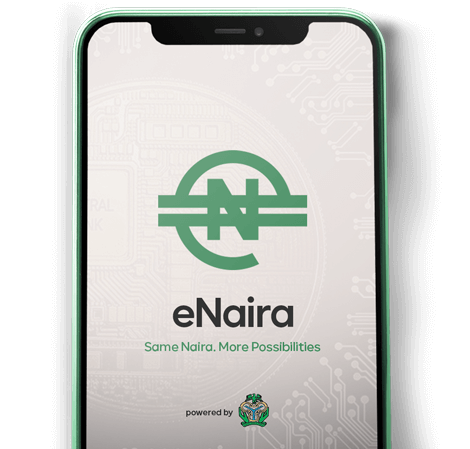
An e-Wallet is the official digital storage app provided by the Central Bank of Nigeria to hold the new digital currency, e-Naira.
How to Get the eNaira
To start using the Nigeria digital currency, eNaira, you need to create an e-Naira Wallet which allows you to send, receive and spend e-Naira with little or no charges at all.
The steps below will guide you to get started;
- For Android Users: download the eNaira app (termed “Speed”) from either the Google Play Store
- For iPhone Users: Download the app from the Apple Store and complete the registration process.
- For Feature Phone Users: Utilize the USSD codes and follow the registration prompts.
- Payments can be made by scanning QR codes.
Notably, you may be required to link your personal bank account(s) and/or bank verification details (you should however be reminded that sensitive bank details should always be kept away from the internet).
How to Resolve Failed e-Naira Transactions
In the case of any failed transaction, users are advised reach out to the customer support of the bank selected during the registration for e-Naira. For quick resolution of failed transactions reach out to the bank’s available channels such as phone, WhatsApp, Facebook, Telegram, email .
For issues not resolved after 48 hours, customers should send an email to CBN’s eNaira Customer Support via helpdesk@enaira.com
Visit the eNaira website www.enaira.com for further details on the currency.
We hope this article has helped you to answer pertinent questions regarding Nigeria Digital Currency – eNaira.
For more information you can do well to visit our telegram channel http://t.me/droidvilla
Note That: CBN suspends eNaira launch till further notice… More details to be dropped