Today I will be explaining more on how to free up lots of
space on your android without root.
space on your android without root.
Today will be about whatsApp.
WhatsApp has a hidden folder in every android device.
There is a folder that always saves all images and all viewed status both videos and images.
its funny how, but am going to show you how.
From my discoveries WhatsApp is one of the most top space consuming app in any android.
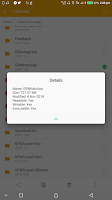
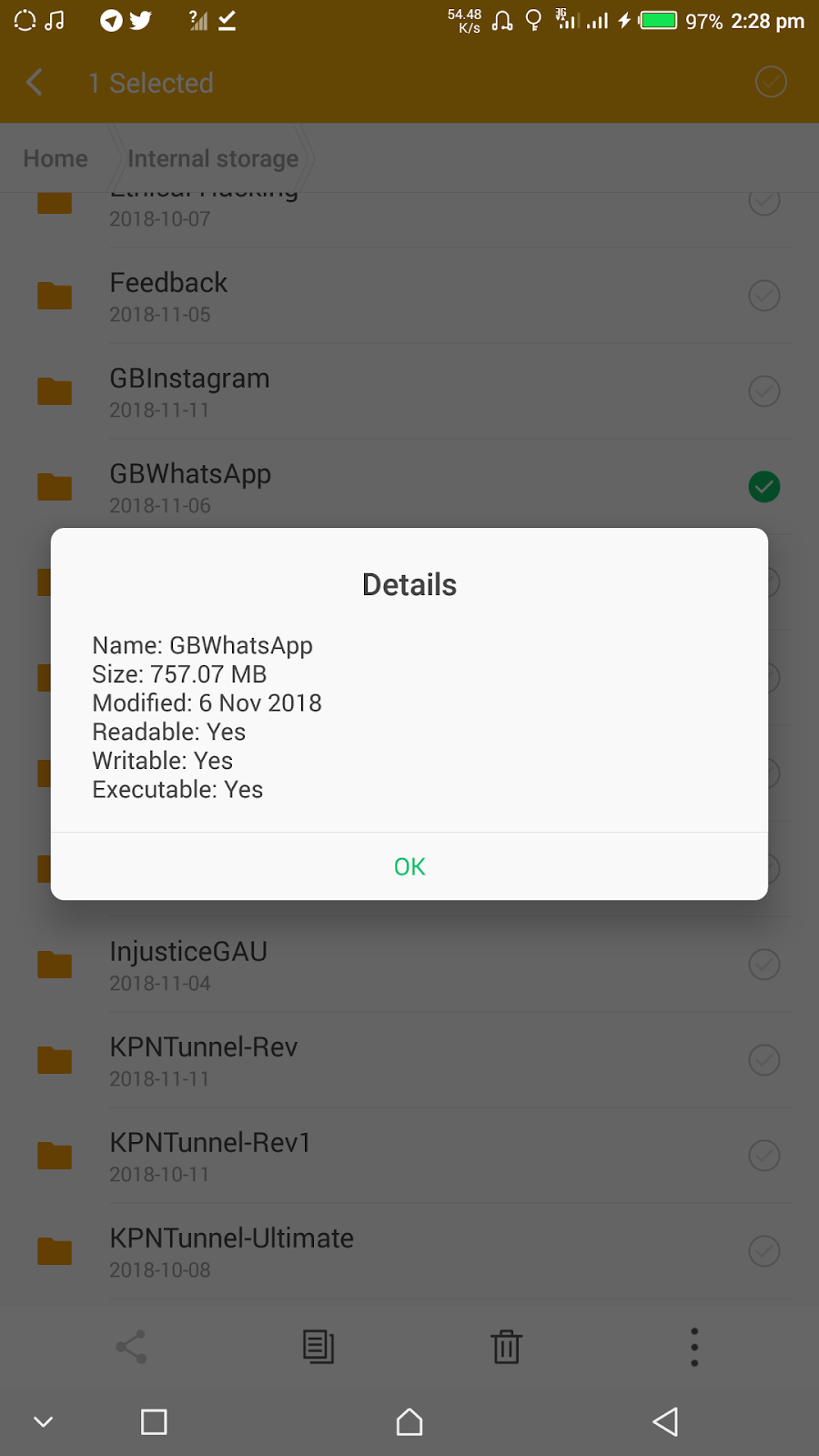
The image below shows 757.07mb consumed by WhatsApp.
The image below shows 757.07mb consumed by WhatsApp.
How to see the folder.
from the previous discussion on how to free up space, we talked about thumbnails and most persons inboxed saying it worked, while some said they couldn’t find the Thumbnails folder after making hidden files visible. So i decided to drop this now!
Simply follow step on how to show hidden files on our previous post.
- Click here to view previous page.
- Go to your whatsapp folder
- You should be able to see #Shared.
- Delete the folder

Next
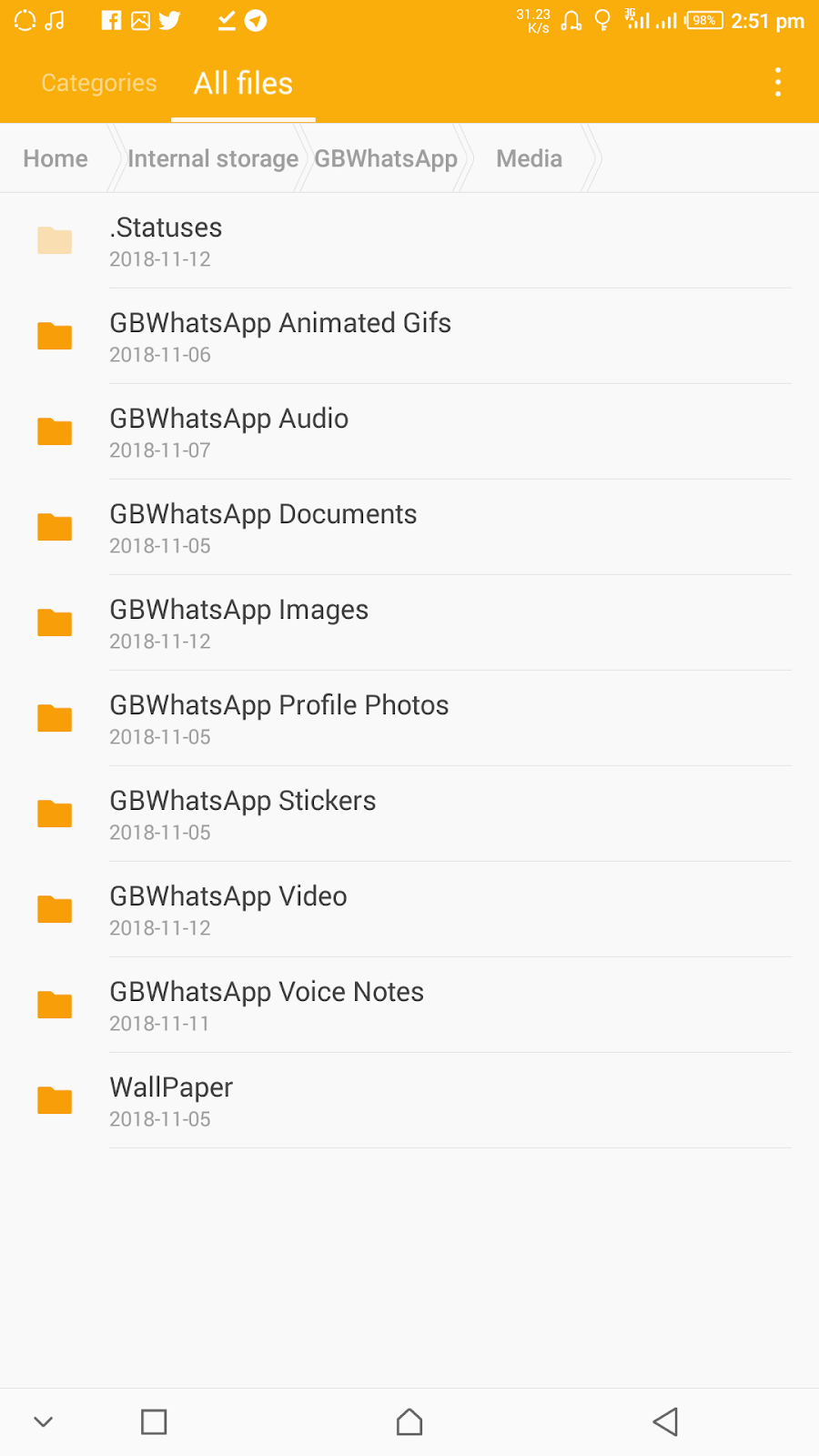
- Go to media.
- Delete the folder *Statuses* that is all.

You can also save lots of memory by simply deleting the databases or by moving them to your external memory in case you wish to get back all your messages later on a new device.
Note: Follow steps and you are good to go!
Hope you saved lots of space today?
Comment below!
Don’t forget to share below using the share button, and for sure do subscribe to our newsletter for instant mail update delivery. We guarantee you spam free!
Wow