For those who don’t know about the new updated WhatsApp features.
Here is a perfect go ahead for the updated WhatsApp.
The ability to download stickers and also create yours just like Telegram and the rest out there.

So i will simply be dropping images to show you how easily this is done.
Note: Only available for the updated version 2.18.
You can download it directly from Playstore.
How to download and use stickers:
- Open your whatsApp
- Open a chat
- Click on emoji sign and you should see the icon below immediately after Gif icon.
- Click on it

- Now you should see a + sign on the right hand side of the Keypad. Check image

- Click on it and you can now download stickers you want.
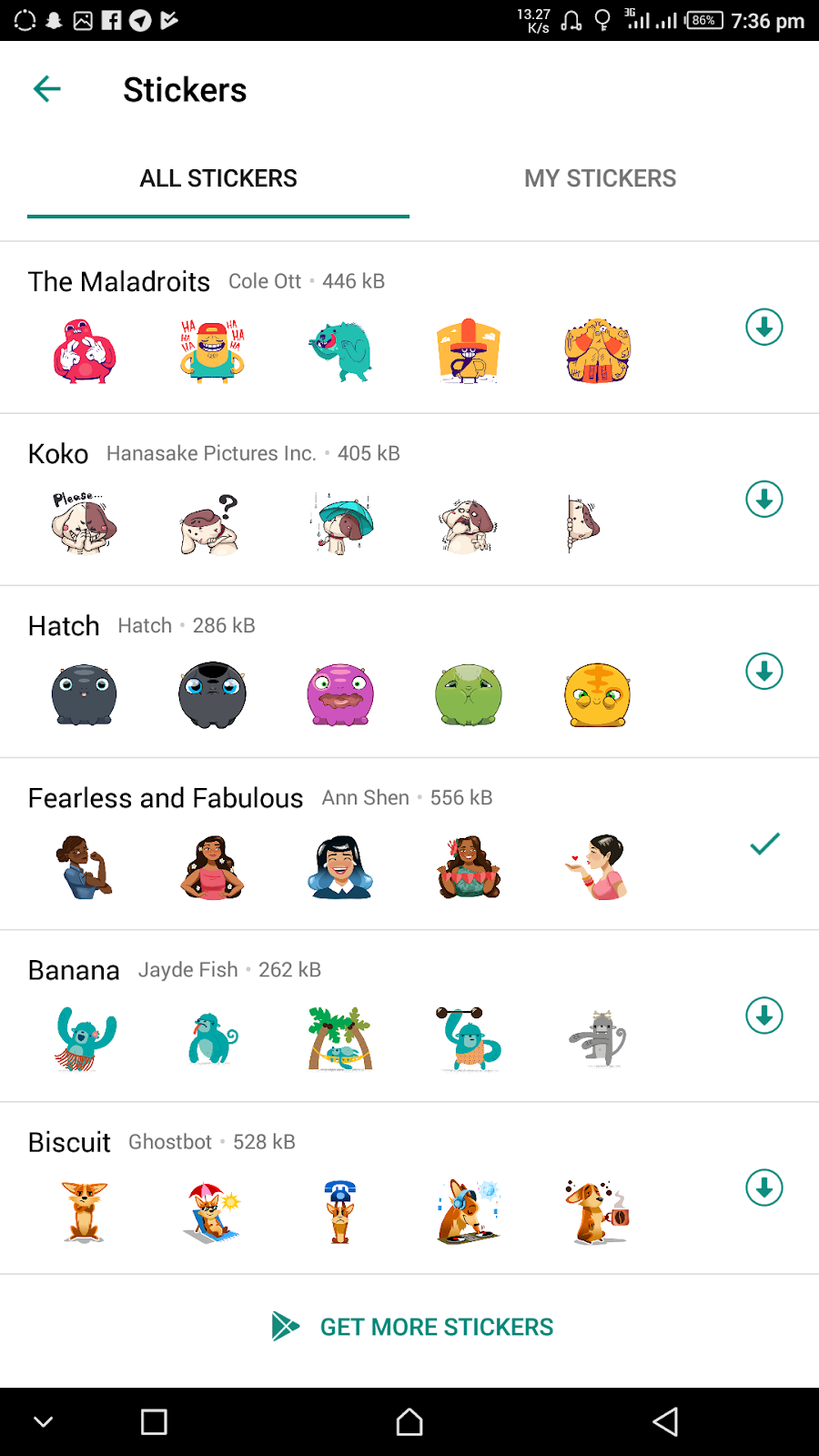
You can also create yours by clicking my Stickers..
Follow steps and you are good to go.
Thank you!!
Join us on Telegram t.me/LegitDroidPhoneHack