Why does your battery percentage decrease even though it’s connected to the charger?
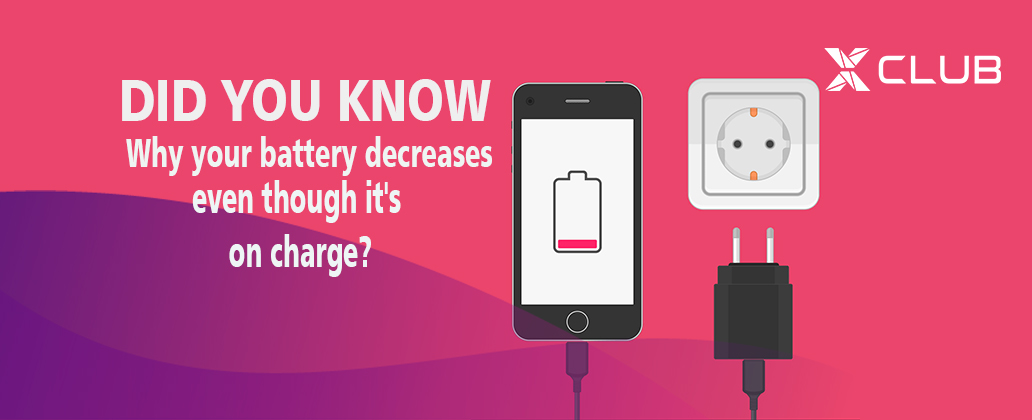
Even though your phone is plugged in and should be charging like one would expect, it doesn’t. There are system utility apps that will shut down apps running in the background and apps meant to protect your battery. Overcharging is probably the biggest cause of battery percentage decrease and also the single biggest contributor to the likelihood that the Li-ion battery could explode.Overcharging the phone (battery) will decrease its life faster than anything else. Current lithium batteries and lithium-ion batteries biggest issues are thermal runaway passivity that resulted earlier on, before fail safe mechanisms were built into batteries and battery packs, before more recent changes to the chemistry of the batteries were introduced.
Although allowing the battery to completely deplete its charge is not desirable, over-charging is more detrimental to the battery and phone, to the life of the battery and to the risk of explosion. Most electronic devices have integrated circuits which will shut the phone down before it is completely 100% drained. Some will cut off the incoming current when fully charged.
Just by charging a Li-ion battery, the phone will heat up because charging the battery heats up the battery. This temperature increase, combined with the CPU that is already running (possibly running useless apps and processes in the background) is one major reason why the battery does not steadily increase while being charged, but rather battery percentage decrease while it is powered on or running. Of course, the charge rises steadily while charging when it’s powered off, but when it’s on, the CPU is hot and the battery makes it hotter.
There is more of a load on the CPU and RAM than there would be if it were cooler. Curious about this question myself, I tested the phone charging under different conditions. When the phone is cooled by air conditioning, the rate of charge buildup differs dramatically if the phone is uncooled and heating up due to heat inherent from charging. One can test this for themselves.
Other Reasons For Battery Percentage Decrease
It may also involve a USB or charging cable that has broken strands within the cable, usually near the connector from all the bending over time.
It may be possible to feel heat within the cable. One useful tip is to avoid using resource-maximizing apps while charging, but to simply charge with the phone powered off. It will charge faster and cooler, instead of being long and drawn-out while exposing he phone to prolonged and excessive temperatures. Just remember to turn it back on till you remember to do so (especially if your phone is your alarm clock).
If it is not possible, to charge with power off, minimize (remove) the apps that were installed but are seldom or never used; that may help significantly. Sometimes a hard drop of the phone may cause damage that leads to hot phone charging for a various reasons, even after swapping out the cable and a suspect battery (if still removable).
Guess you should know the problem of your own case of battery percentage decrease. Don’t forget to share below and also drop your own possible causes on comment box to be added on the post. Thank you
Join us on telegram for more exciting contents via the link below
Nice tips
Great one. Thanks